





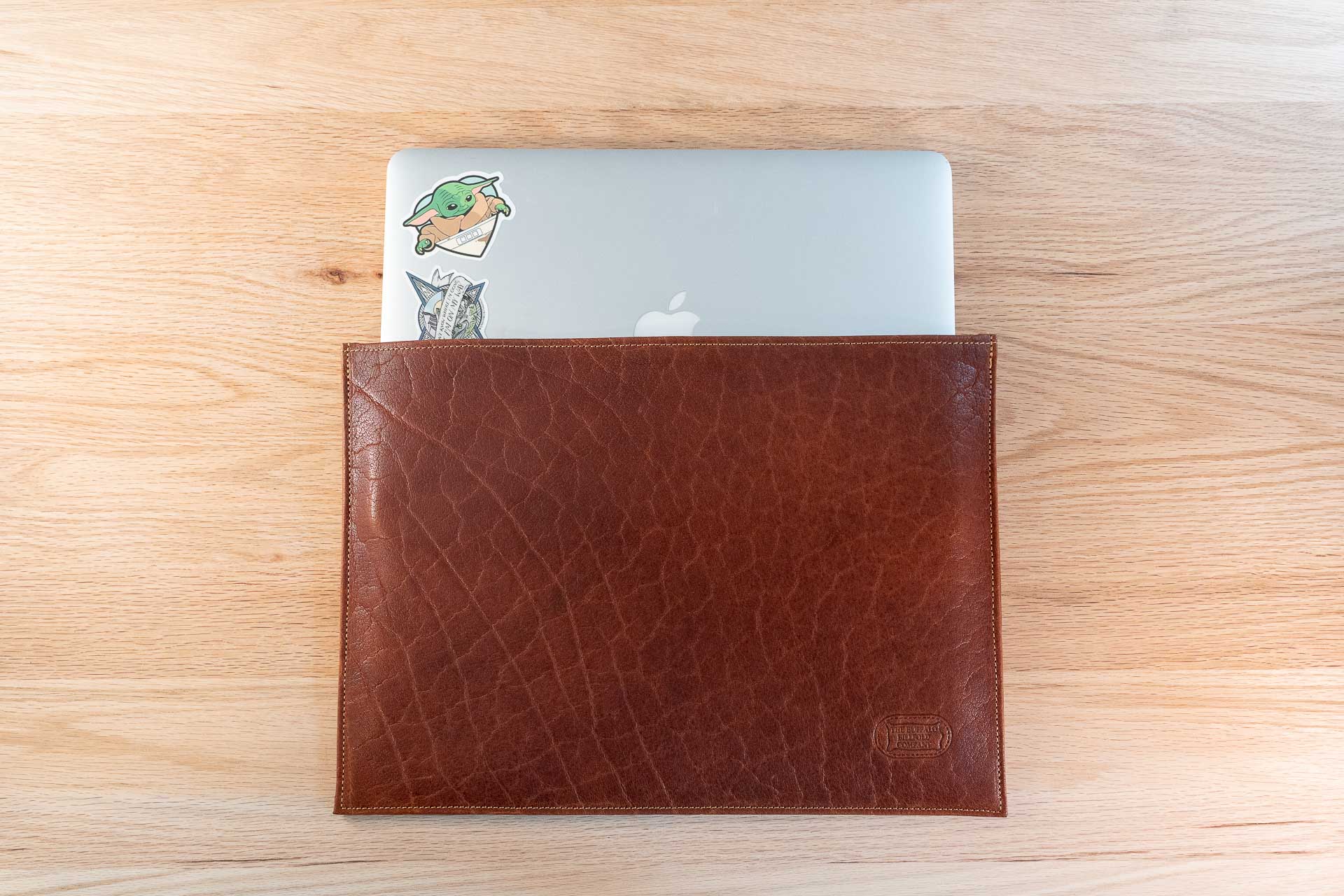
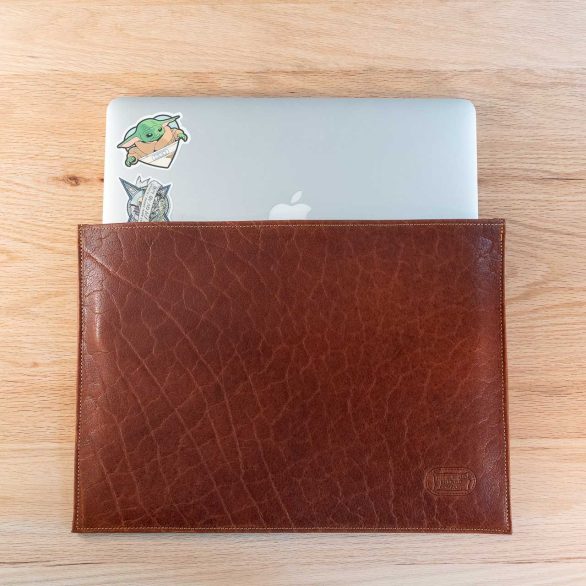
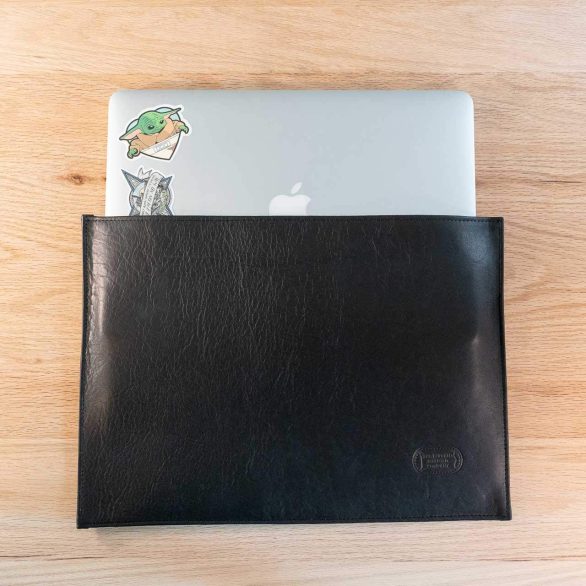
Remove the laptop before cleaning its leather sleeve, gently clear loose debris, and wipe suitable surfaces with a clean, soft, dry cloth. Let any damp leather dry naturally before putting the device back inside. For Buffalo Billfold Company sleeves, routine care should preserve the leather and keep the interior clear, without borrowing a cleaning method intended for the computer itself.
A sleeve sits directly around a device you use frequently. The inside therefore deserves attention along with the visible outside. A short inspection when the sleeve is empty can reveal a crumb, grit, or residue that would otherwise be pressed against the laptop every time you slide it in.
Why should the laptop be removed first?
An empty sleeve lets you see the interior and support the leather without pressing against the device. It also keeps any debris or care product separate from the laptop. Do not try to clean a sleeve by spraying or wiping around a computer that is still inside.
Set the laptop on a suitable clean, dry surface and handle its cleaning separately according to its manufacturer’s instructions. Use different cloths for the device and leather. A cloth that carries an electronics cleaner can transfer that product to the sleeve even if you are not spraying the leather directly.
If a spill has affected both the sleeve and the laptop, deal with the device according to its manufacturer’s guidance. Leather care instructions do not address liquid inside electronics. Separating the two items helps you assess each problem on its own terms.
How do you clean the inside of the sleeve?
- Remove the laptop and anything else tucked inside, including paper, adapters, or cables.
- Open the sleeve only as its construction naturally allows and look for loose debris.
- Gently tip out accessible crumbs without striking the sleeve against a surface.
- Use a soft, dry cloth to lift loose material from areas you can comfortably reach.
- Inspect the opening and seams before returning the sleeve to use.
Do not force the sleeve inside out, stretch the opening around your hand, or probe corners with a sharp object. If a particle is lodged where you cannot remove it gently, ask about the specific construction rather than scraping at the leather or stitching.
Pay attention to the actual interior material. A textured leather reverse surface and a smooth outer panel may need different treatment, and sleeves from different makers may include fabric, padding, or other materials. The exterior description alone does not make one cleaner suitable for everything inside.
How do you clean the outside?
Begin with gentle dry wiping to remove dust and loose surface dirt. Support the empty sleeve on a clean surface and use light pressure. Change to a clean part of the cloth as it picks up debris so you are not redistributing dirt across the leather.
Buffalo Billfold Company’s full-grain leather care instructions favor this minimal approach for everyday care. A sleeve does not need a heavy polish or a glossy coating to be clean. The natural leather’s appearance can change through use without requiring restoration.
If a mark remains after loose dirt is removed, identify whether it is a stain, a scuff, a damp patch, or normal variation in the leather. Repeated rubbing is not an appropriate response to every difference in color. Stop before a small concern becomes a larger change in the surrounding surface.
What should you do after a spill?
Remove the device and blot accessible liquid with a clean, absorbent cloth. Support the sleeve without twisting or wringing it. Let the leather dry naturally at room temperature, with space around it rather than pressed into a stack or enclosed in a bag.
Check the inside as well as the outside before returning the laptop. An outer surface that feels dry does not establish that a seam or interior area is ready. Allow the complete sleeve to dry without a hair dryer, radiator, or direct sunlight used to accelerate the process.
If the spill contained something other than water, note what it was. An oily residue, sweetened drink, or ink mark can call for different assessment. Contact Buffalo Billfold Company with the model, photos, and any treatment already attempted before adding another product.
Can you use screen cleaner or alcohol wipes on the sleeve?
Do not assume that a product approved for a computer’s hard surface is appropriate for leather. Keep the device’s cleaning routine separate from the sleeve’s. Overspray, a shared cloth, or placing the sleeve on a freshly treated desk can bring a cleaner into contact with leather unintentionally.
For perspective, Apple’s product-cleaning guidance specifically separates its instructions for disinfecting certain hard surfaces from fabric and leather surfaces. That distinction is a useful reminder to identify the material being cleaned; it is not an instruction to use Apple’s separate leather-case treatment on a Buffalo Billfold Company sleeve.
Use Buffalo Billfold Company’s guidance for the leather. If you have already applied an electronics cleaner and the appearance or feel changed, stop treatment and provide the product name when asking for help.
Does a leather sleeve need conditioner inside and out?
No. Conditioner is not an automatic part of every cleanup, and the inside should not be treated by default. A product that suits a smooth exterior may be unsuitable for a textured interior or another material included in the construction.
If suitable smooth leather seems unusually dry, consult our conditioning guidance and test a small amount of an appropriate product in an inconspicuous area. Evaluate the result before going further. Keep the laptop separate throughout the care process and until the sleeve is dry and free of loose residue.
Do not add cream to make a tight sleeve easier to stretch around a different computer. Fit is a product-selection question. Altering the feel of the leather does not establish that the opening, seams, and usable space suit another device.
What should you check during regular use?
| Area | What to look for | What to do |
|---|---|---|
| Interior | Crumbs, grit, or loose residue | Remove gently while the sleeve is empty |
| Opening | Debris or unexpected difficulty inserting the device | Inspect fit and construction before forcing it |
| Exterior | Dust, a fresh spill, or a persistent stain | Match care to the actual issue |
| Seams and edges | Loose stitching or damage | Ask about repair rather than covering it with cream |
| Surrounding bag | Wet areas or hard accessories pressing into the sleeve | Address the carrying arrangement |
Keep chargers and other hard objects in a separate suitable compartment unless your sleeve is specifically designed to hold them. The sleeve’s care and the way it is packed work together; a clean interior is less useful if loose grit or accessories are immediately pushed back into it.
How should you store an empty leather sleeve?
Keep it dry and avoid a tight fold, crushing load, or concentrated heat. Follow the shape of the design rather than flattening or stretching it into a different one. Our storage guide explains breathable dust protection and suitable storage conditions.
When you change laptops, confirm the fit again. Buffalo Billfold Company’s MacBook Pro leather sleeve and MacBook Air leather sleeve are distinct products with their own intended fit. Proper care does not make a fitted sleeve universally compatible.
Common leather sleeve care questions
Can I clean the sleeve with the laptop still inside?
Remove the device first. This lets you clear the interior, support the leather, and keep debris and any care product away from the computer.
Can I iron out a crease?
Do not apply an iron or concentrated heat to reshape a Buffalo Billfold Company leather sleeve. Ask about the particular crease and construction before attempting to alter its shape.
Is a scuffed sleeve still usable?
A cosmetic mark and structural damage are different. Check the actual condition and fit, and consult the Longhaul Guarantee for coverage details. Do not assume either that a scuff requires replacement or that every kind of damage is cosmetic.
Choose a sleeve that fits your device and carrying habits, then keep its care routine simple: remove the computer, clear the interior, wipe gently, and put it away dry.



 Google
  Facebook
  Trustindex


