

See it Again
High Quality
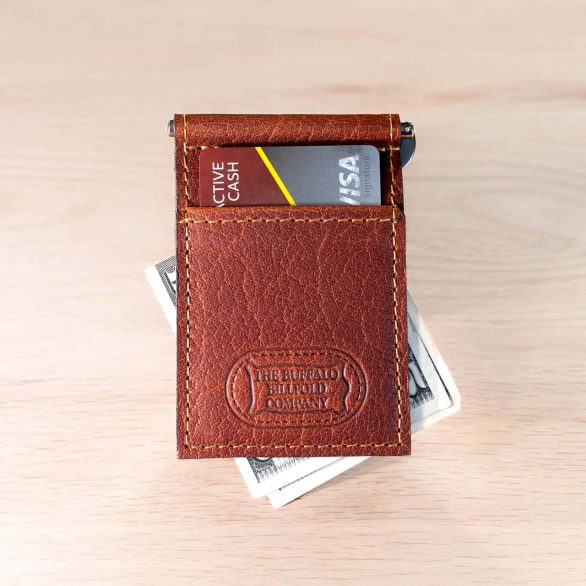
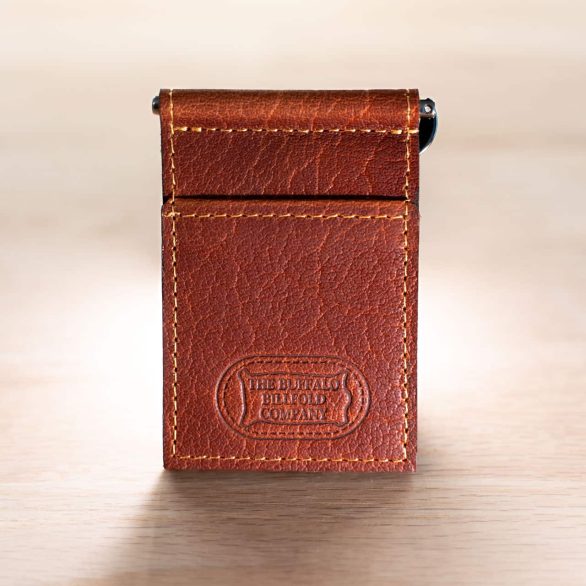
Leather Money Clip Wallet
$59.95
Select options
This product has multiple variants. The options may be chosen on the product page
American Chestnut
Black
Brown
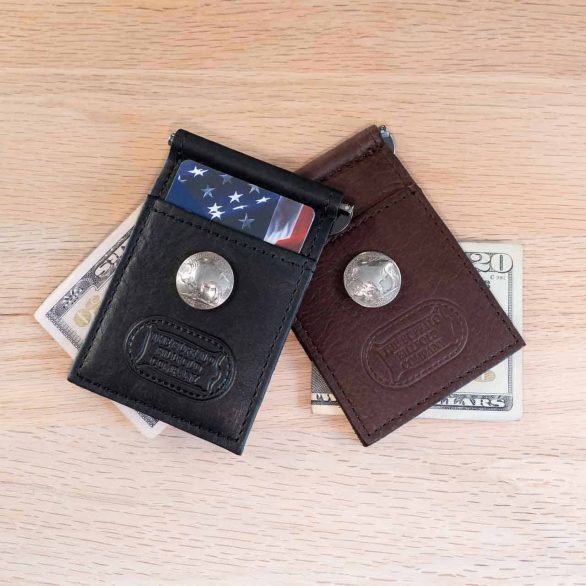
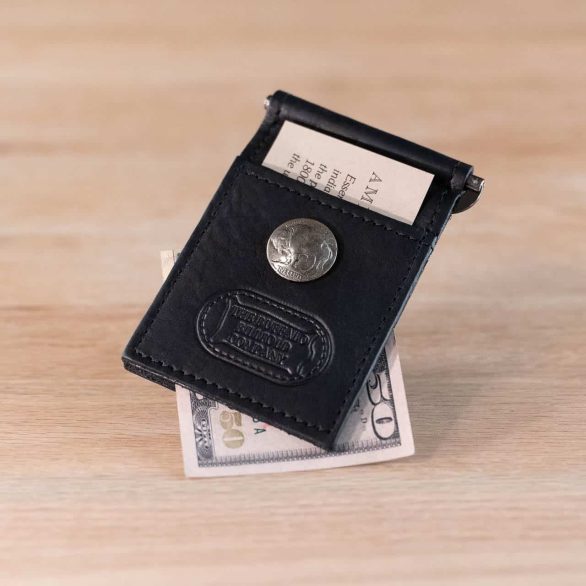
Buffalo Nickel Money Clip Wallet
$64.95
Select options
This product has multiple variants. The options may be chosen on the product page
Black
Brown
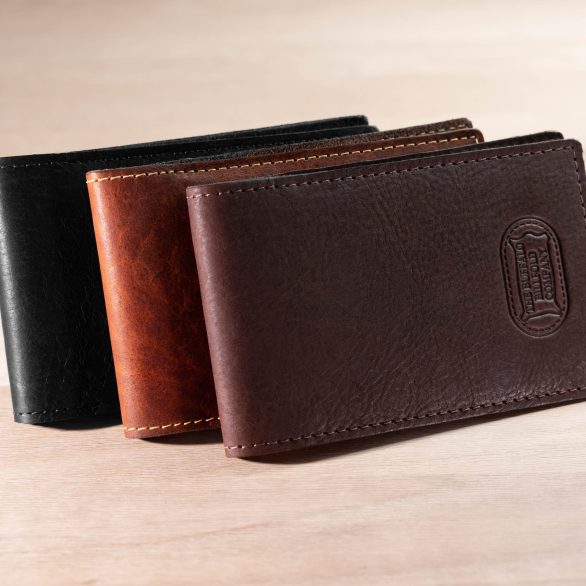
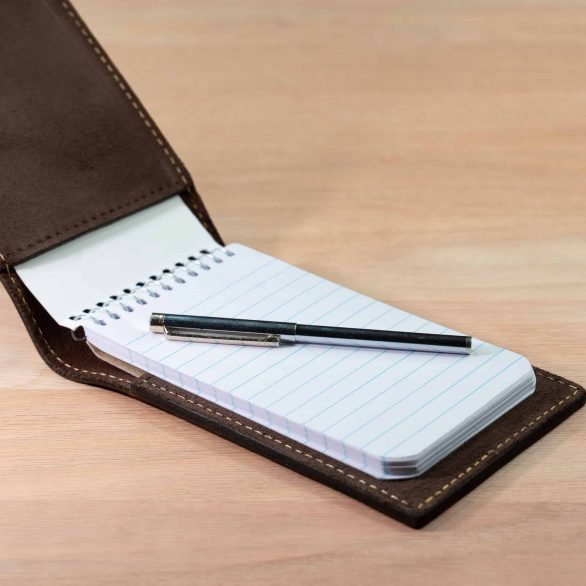
Leather Pocket Notepad Holder – Flip Style
$29.95
Select options
This product has multiple variants. The options may be chosen on the product page
American Chestnut
Black
Brown
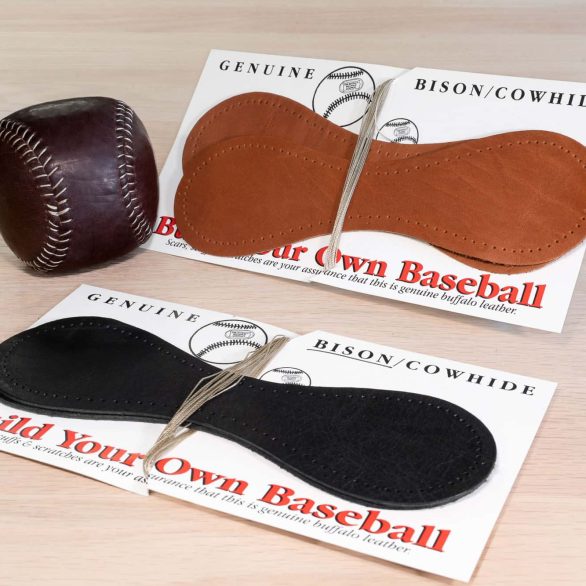
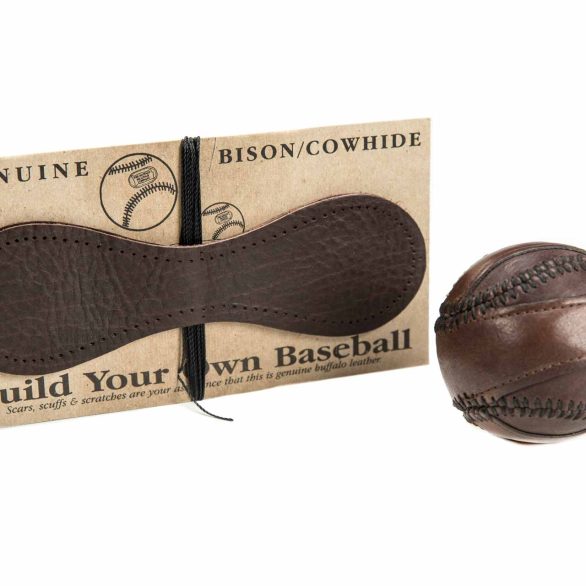
Leather Baseball Kit – Build Your Own Baseball
$29.95
Select options
This product has multiple variants. The options may be chosen on the product page
Black
Brown
Explore
Save Today
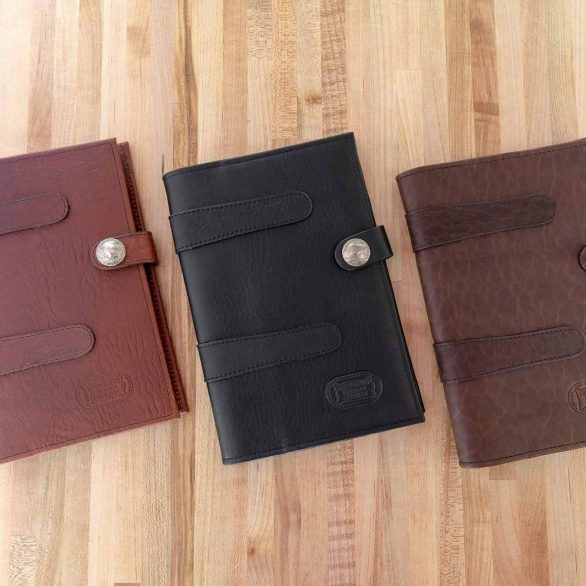
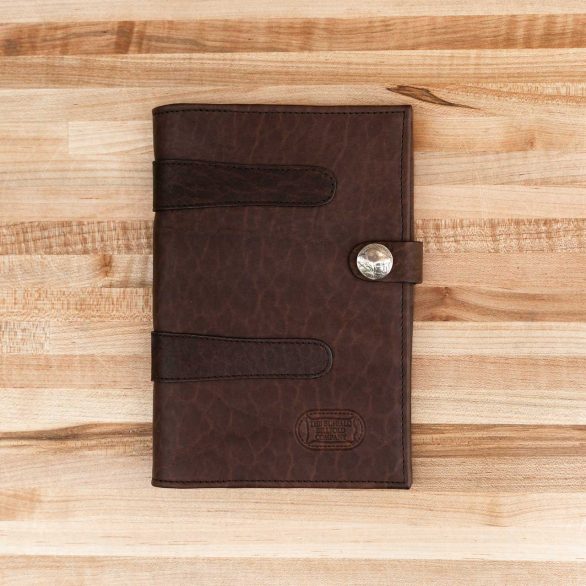
Jr Legal Pad Cover – Holds 5×7 Legal Pad
Original price was: $129.95.$119.95Current price is: $119.95.
Select options
This product has multiple variants. The options may be chosen on the product page
American Chestnut
Black
Brown
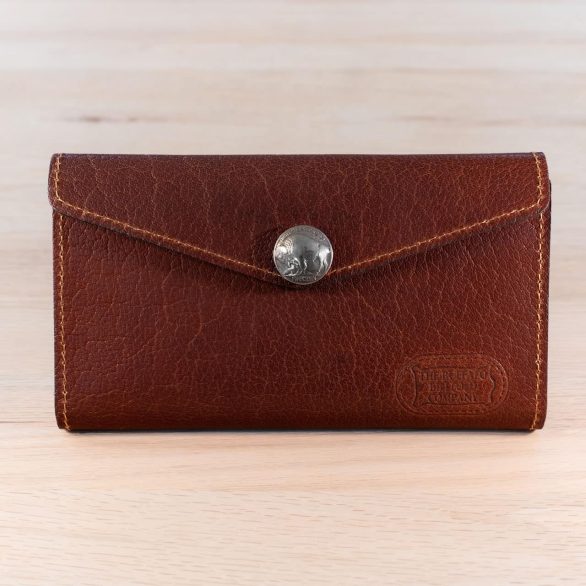
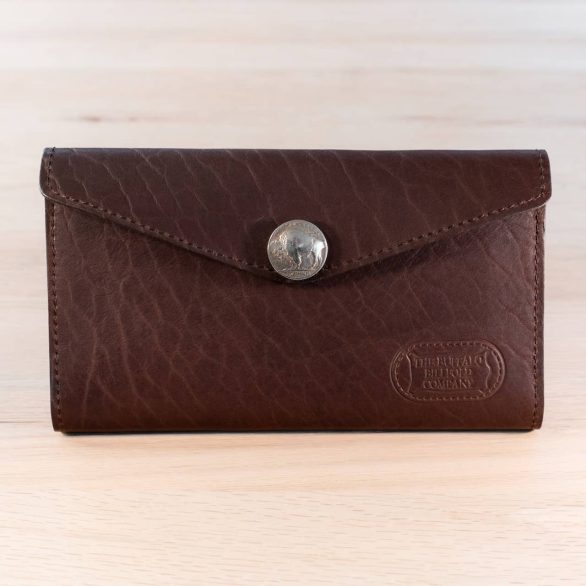
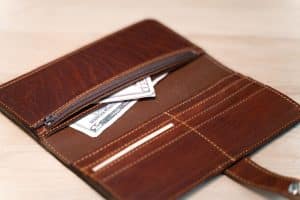
Leather Envelope Clutch Wallet
Original price was: $119.95.$104.95Current price is: $104.95.
Select options
This product has multiple variants. The options may be chosen on the product page
American Chestnut
Black
Brown
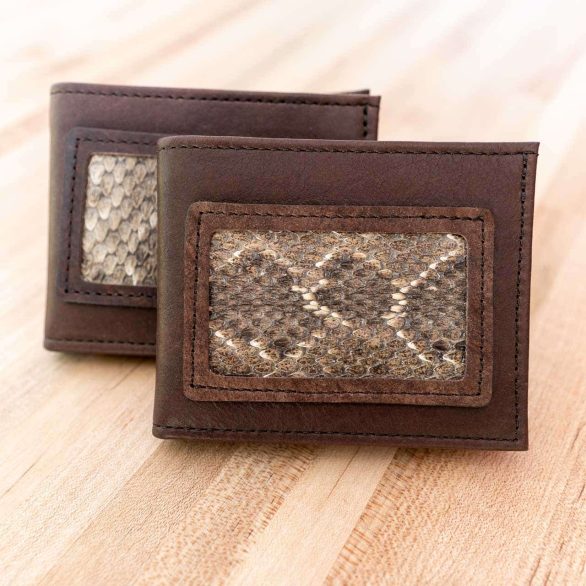
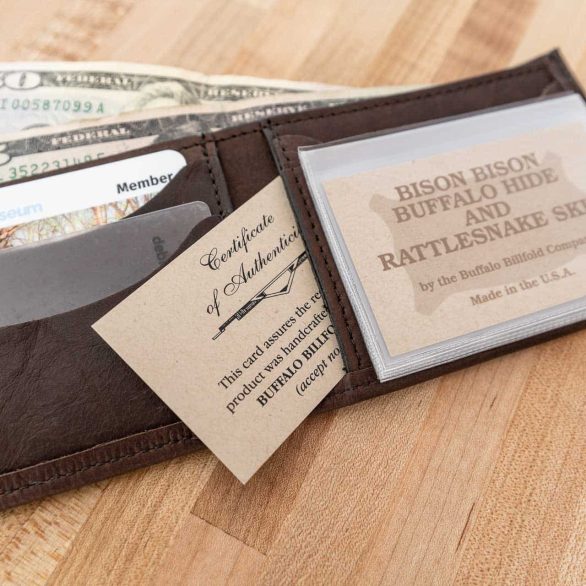
Rattlesnake Bifold Wallet – Snake Skin & Buffalo Leather
Original price was: $99.95.$87.95Current price is: $87.95.
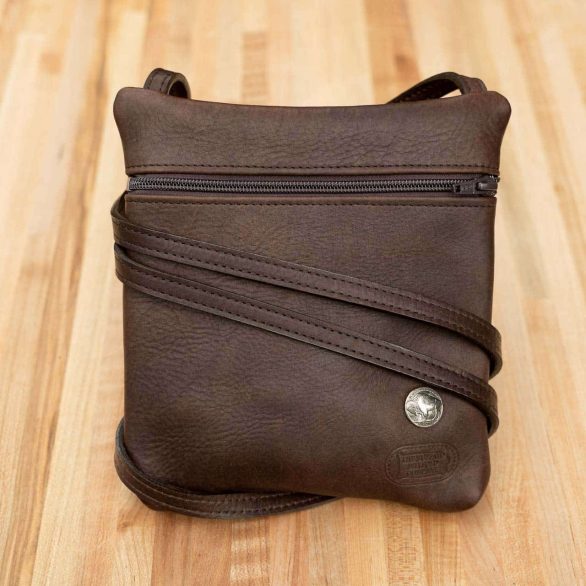
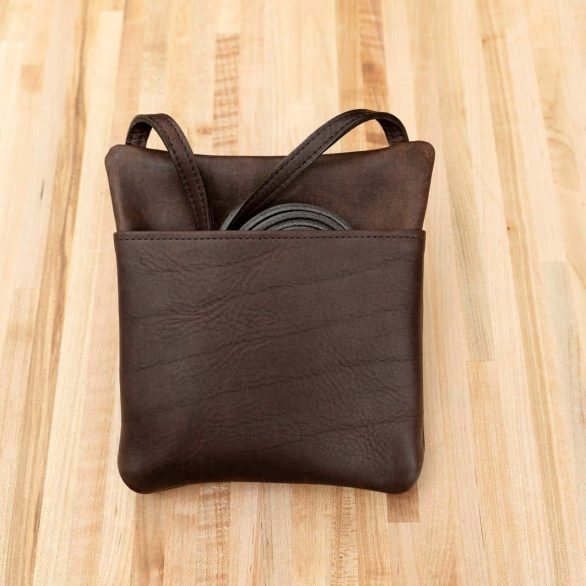
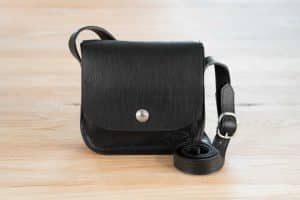
Leather Travel Purse
Original price was: $129.95.$119.95Current price is: $119.95.
Select options
This product has multiple variants. The options may be chosen on the product page
Black
Brown
MADE IN USA We source our Bison leather from USA ranches. We custom tan leather at tanneries in the USA. And we handcraft our leather goods at our workshop in Worthington, MN. From Prairie to Product, our leather goods are entirely Made in USA and built to last.
PRAIRIE TO PRODUCT

 Google
  Facebook
  Trustindex


